

- Please head over to Settings > General > Company Details.
- Next, you need to go under “Company Email Address” and type in the email which will be used for sending invoices and other notifications to your customers.
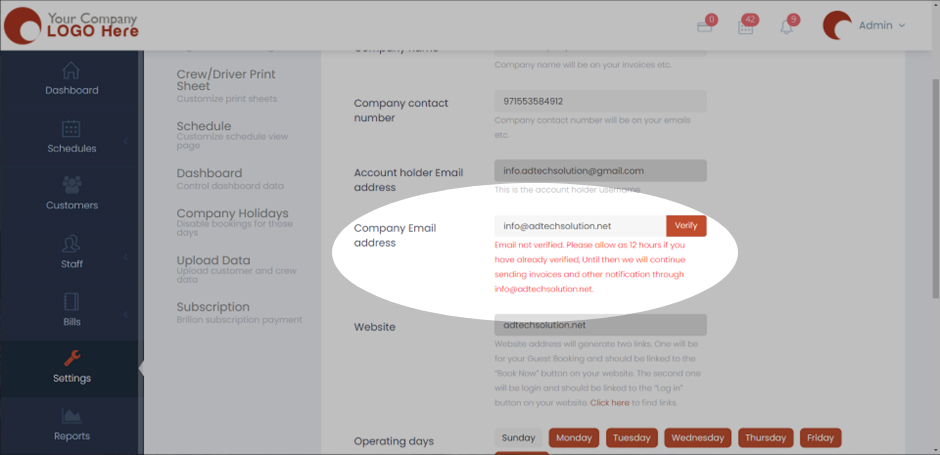
- Now click on “Verify” and an email will be sent to that email notifying you for verification.
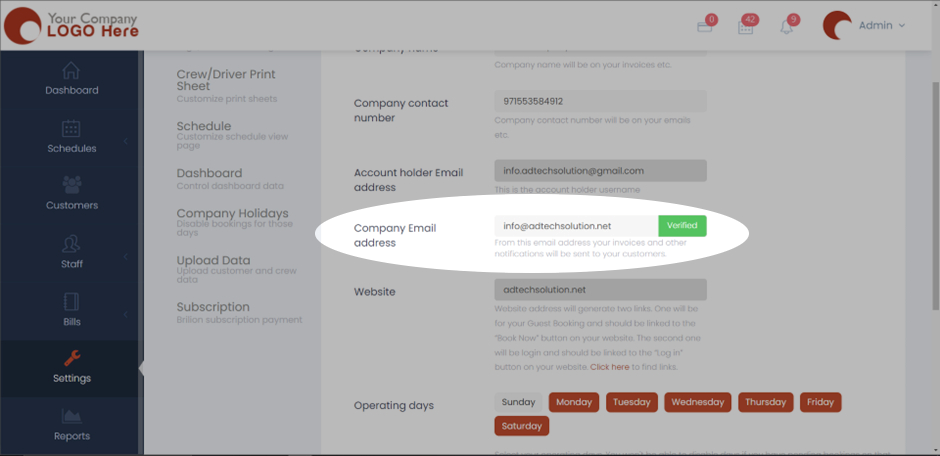
- Once verified, the “Verify” button will turn green.