

- Please head over to Settings > Zones > Your Desired Zone by clicking on the zones name.
- Click on the driver that will be allocated to the particular zone from the list on the left.
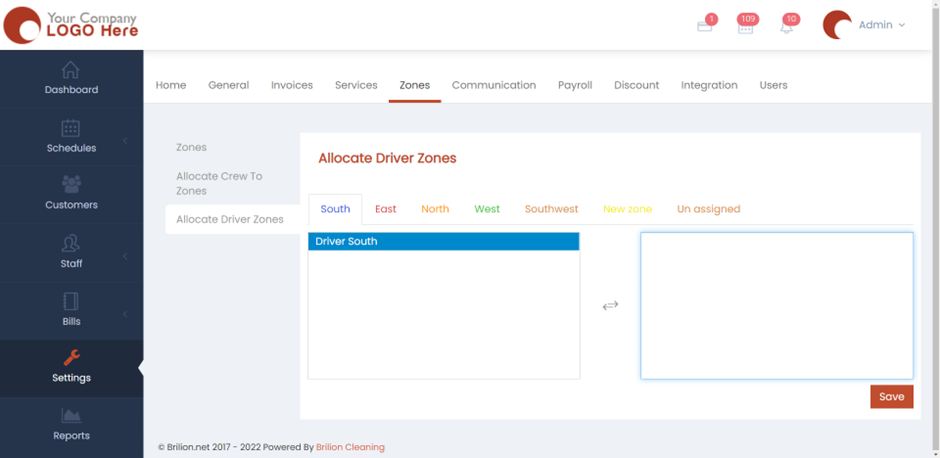
- By clicking on their name, they will move to the right. This means that they’re now allocated to your desired zone.
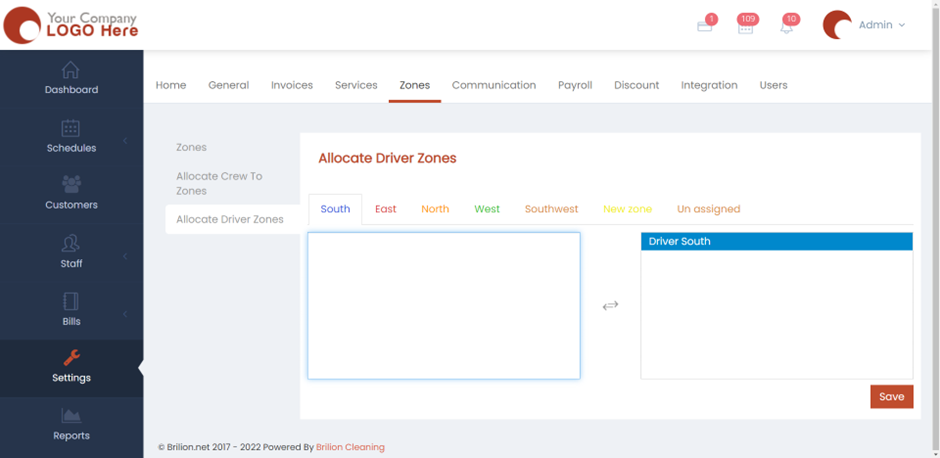
- Click on “Save” and the driver will now be allocated to that particular zone.