

- To allocate crews to zones, please head over to Settings > Zones > Allocate Crew to Zones.
- In this section, keep in mind that the crews kept on the left will mean that Brilion will Auto-Assign the crews by default.
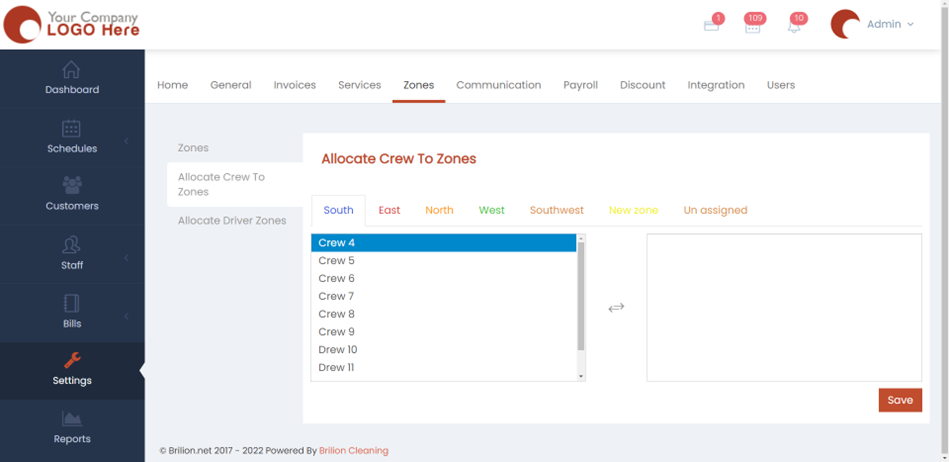
- If you click on them, they will be allocated to the zone depending on which zone you’re viewing under in the right list.
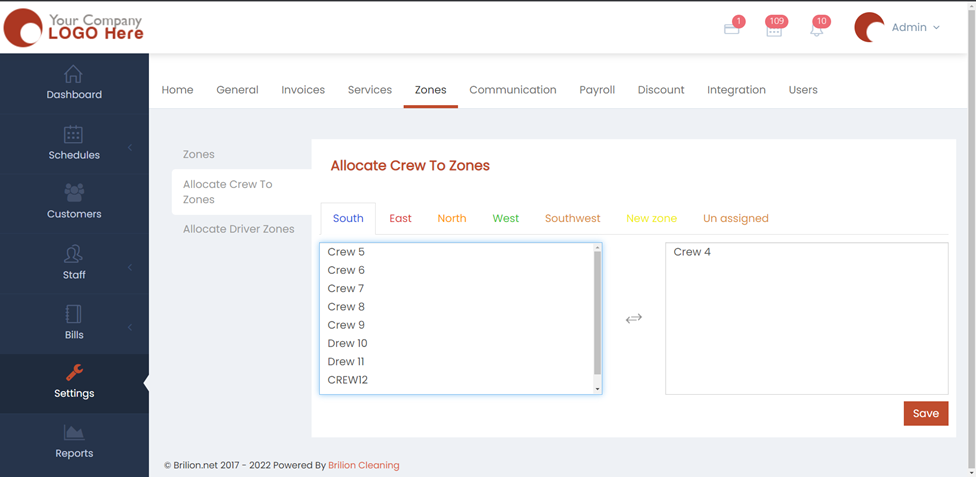
- If you click back on the crews, then it will auto-assign them back again and send them to the list on the left.
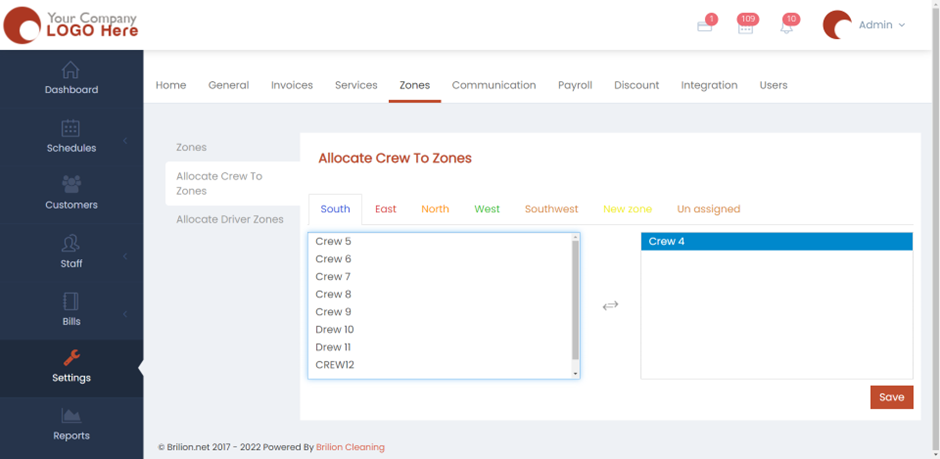
- Hit Save and now the crews will be allocated to their respective zones.