

- To change the distance measurement, please navigate to Settings > General > Schedule.
- Here you will need to scroll down and find the part where it says Calculate distance in with a dropdown. Click on the dropdown and select between Miles and Kilometres.
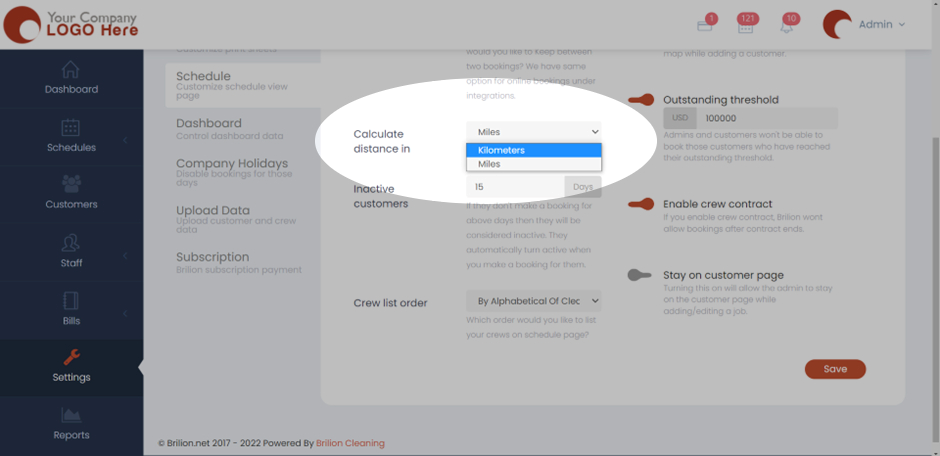
- Hit Save and now the setting will be applied.