

- Please navigate to Settings > General > Dashboard.
- Under “Revenue”, select the preferred option from the dropdown. This will show revenue based on either the jobs or invoices.
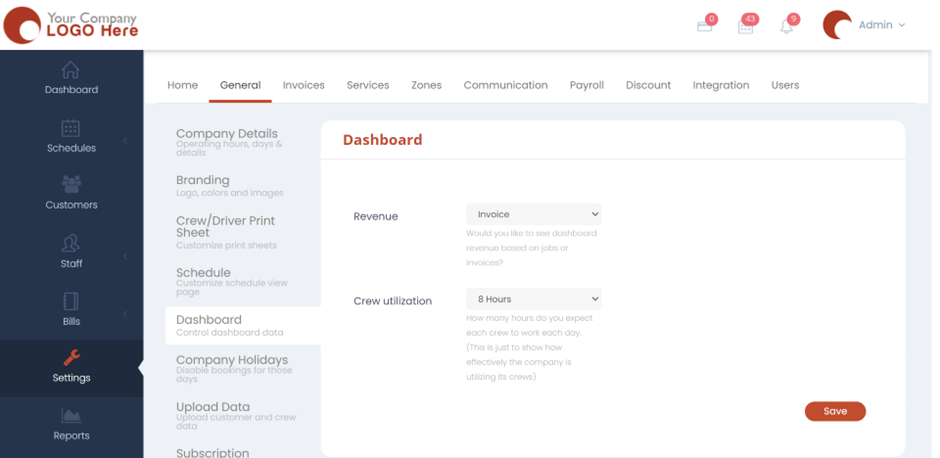
- Under “Crew utilization”, select from the dropdown the numbers of hours that you would like your crews to work each day. This is only for the reference of admins to analyse how effectively the company is utilizing the time of their crews.
- Hit “Save” and now the Dashboard settings would be applied.