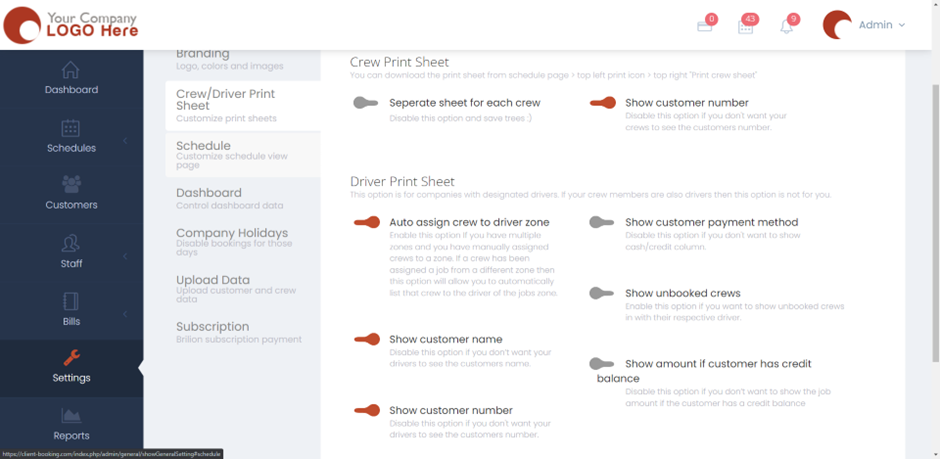
Customize Print Sheets for Crews and Drivers June 20, 20221 min read brilion Please navigate to Settings > General > Crew/Driver Print Sheet.You will find the “Crew Print Sheet” and the “Driver Print Sheet” here. You can either turn on or off buttons based on your preference. Hit “Save” and the settings would be applied.