

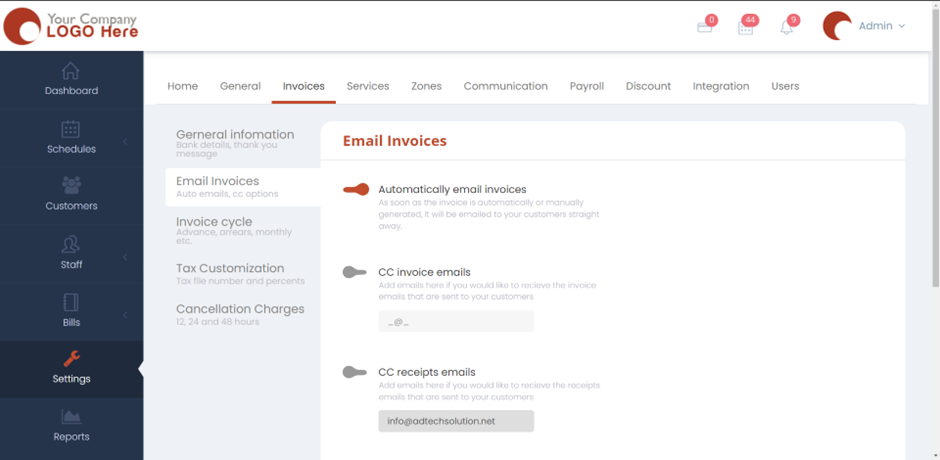
- Please head over to Settings > Invoices > Email Invoices.
- Turn on or off Automatically email invoice depending on whether you want the customers to receive an invoice once it’s generated (either manually or automatically). CC invoice emails if you want to add emails here if you would like to receive the invoice emails that are sent to your customers. CC receipts emails if you want to Add emails here if you would like to receive the invoice emails that are sent to your customers.
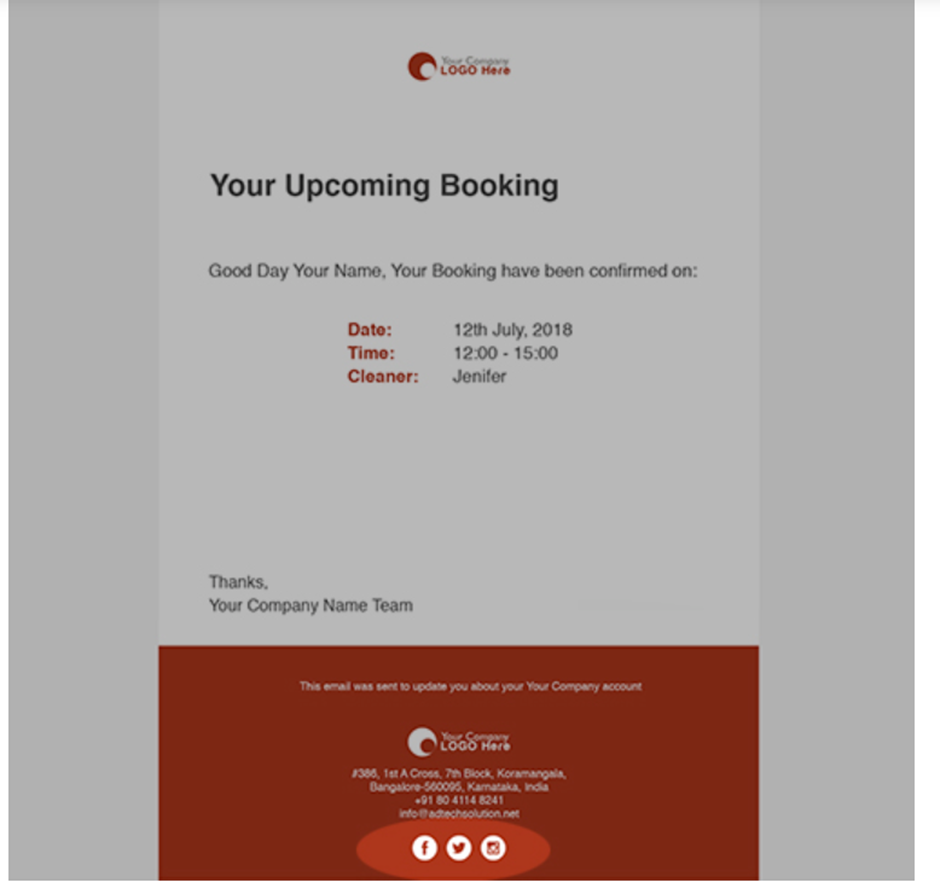
- You will also have to option to show social media links on your emails.
- Hit Save and now the settings will be applied.