

- To begin, please navigate to Settings > Invoices > General information
- Then, you will need to add the Invoice Header which will be displayed at the top of the invoice. “Thank you message” is the message that will be at the bottom of the invoice. Footer message is placed below the Thank you message which could either be a legal message or conditions.
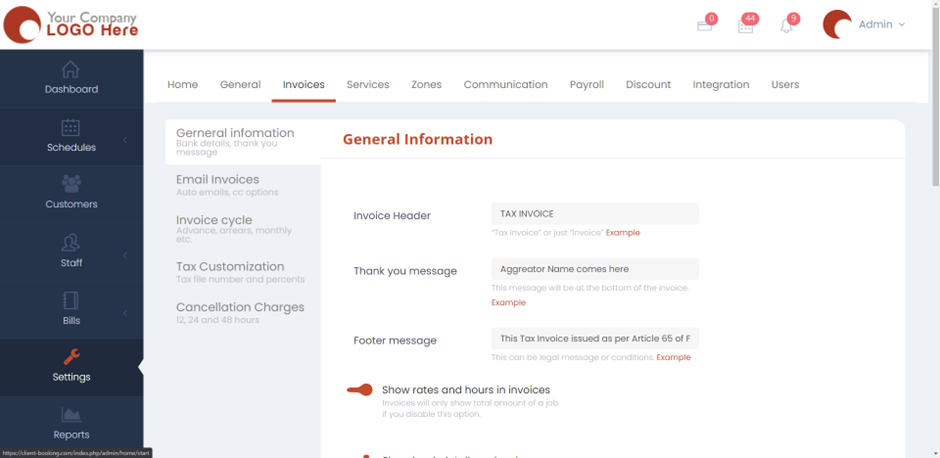
- Next, turn the options on or off as per your preference. Fill in the details required.
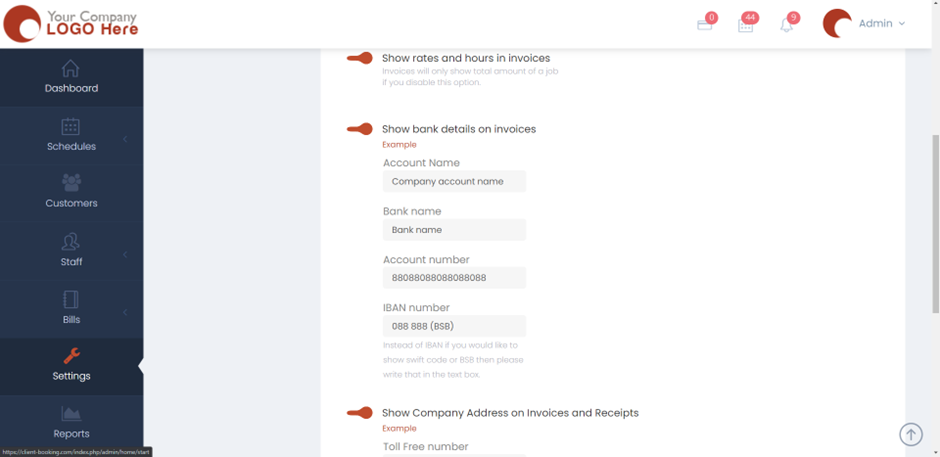
- Hit Save, and now the Invoices will appear the way you want them to be.