

- Please head over to Settings > General > Company Details.
- Scroll down to “Operating Days” and “Operating Hours”.
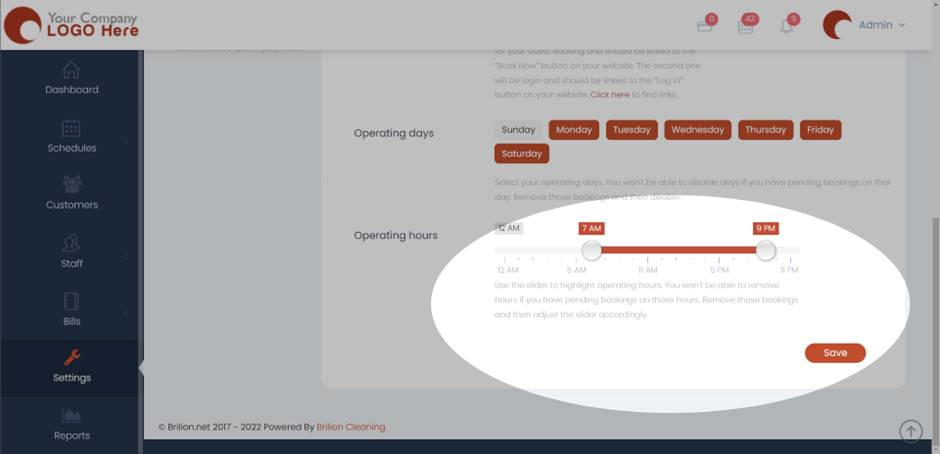
- Select your operating days. You won’t be able to disable days if you have pending bookings on that day. Remove those bookings and then disable those days.
- Use the slider to highlight operating hours. You won’t be able to remove hours if you have pending bookings on those hours. Remove those bookings and then adjust the slider accordingly.
- Click on “Save” and now those operating days and hours would be set as per your preference.